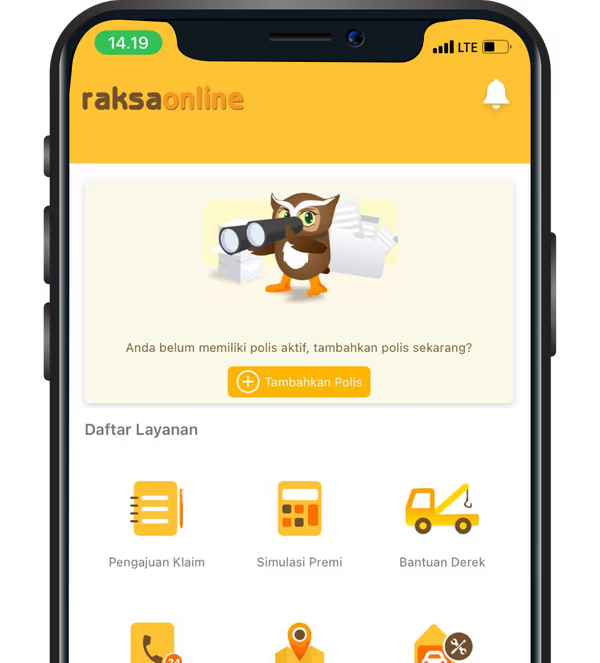
Click "Claim Submission".
Fill in the accident information.
If a third party is involved, fill in the third party involvement data.
Go to the next page by filling in the location of the accident.
On the following page, fill in the reporter's data.
Fill in the vehicle driver's data at the time of the accident.
Upload photos of ID card, vehicle registration, driver's license, and Police Certificate (if required) belonging to the policyholder, reporter and driver.
Upload photos of damage to your vehicle and a diagram of the accident.
On the next page, draw the chronology of the incident.
Finally, fill in witness data if any.
After following the steps above, your Claim Number will be issued shortly and you can view it in the claim status feature.